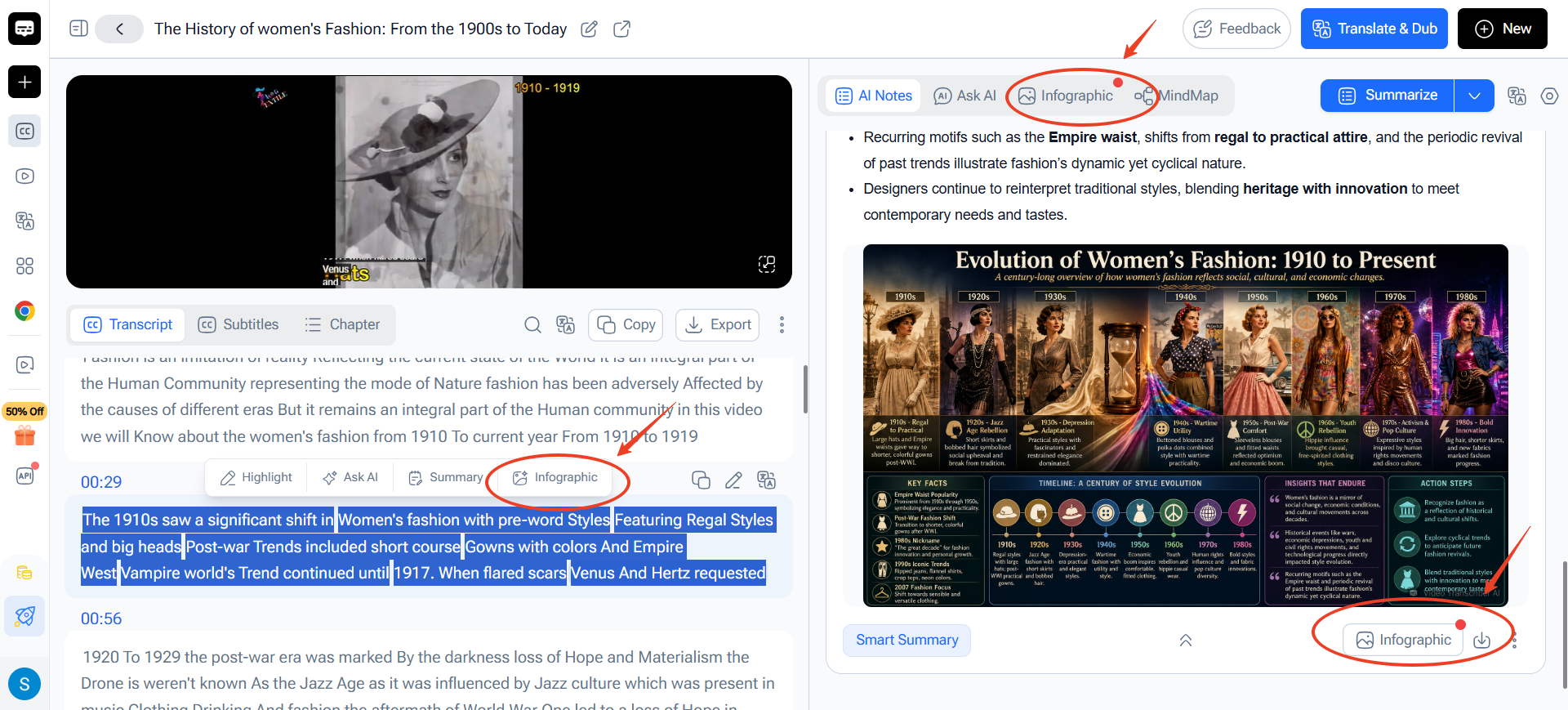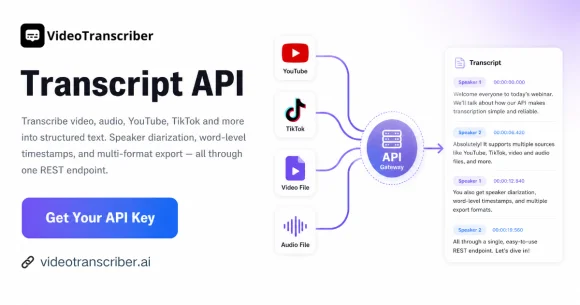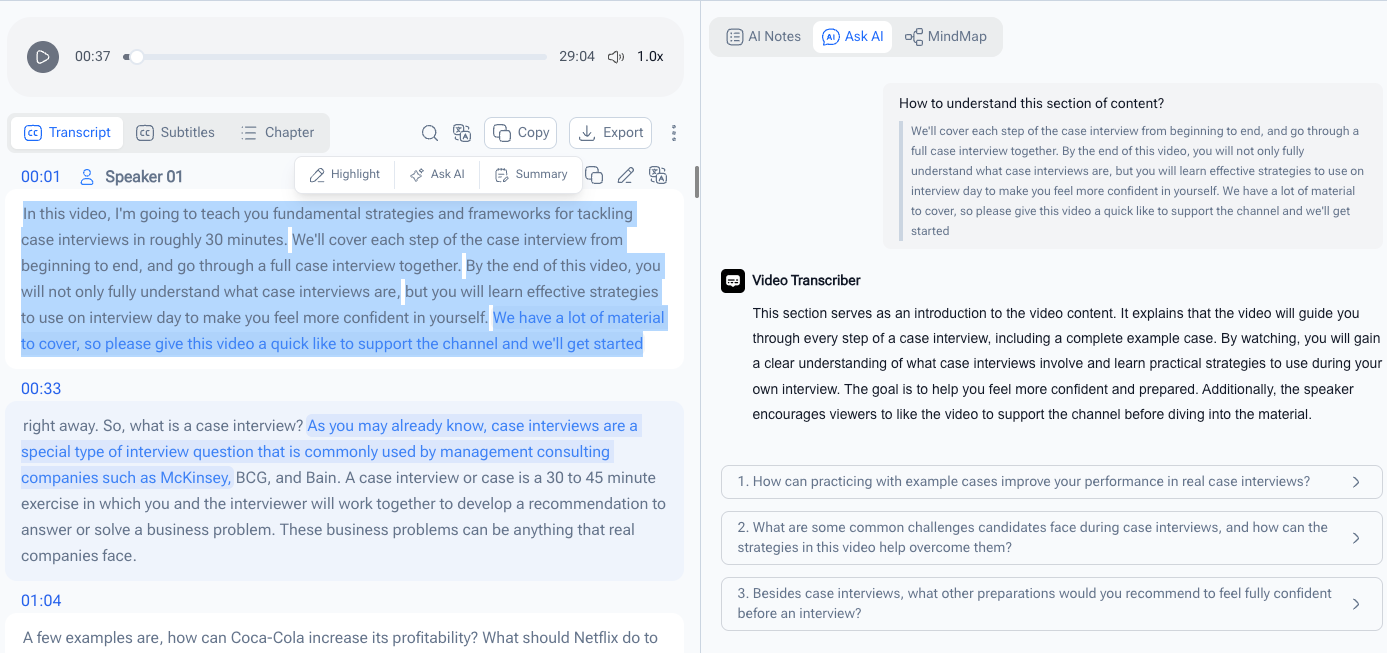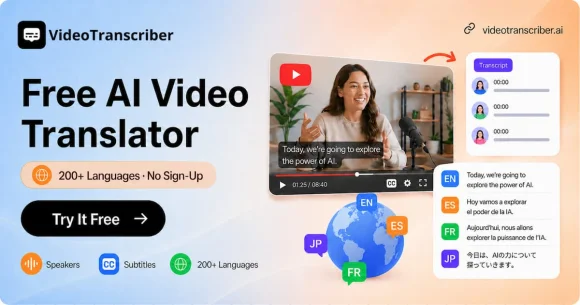
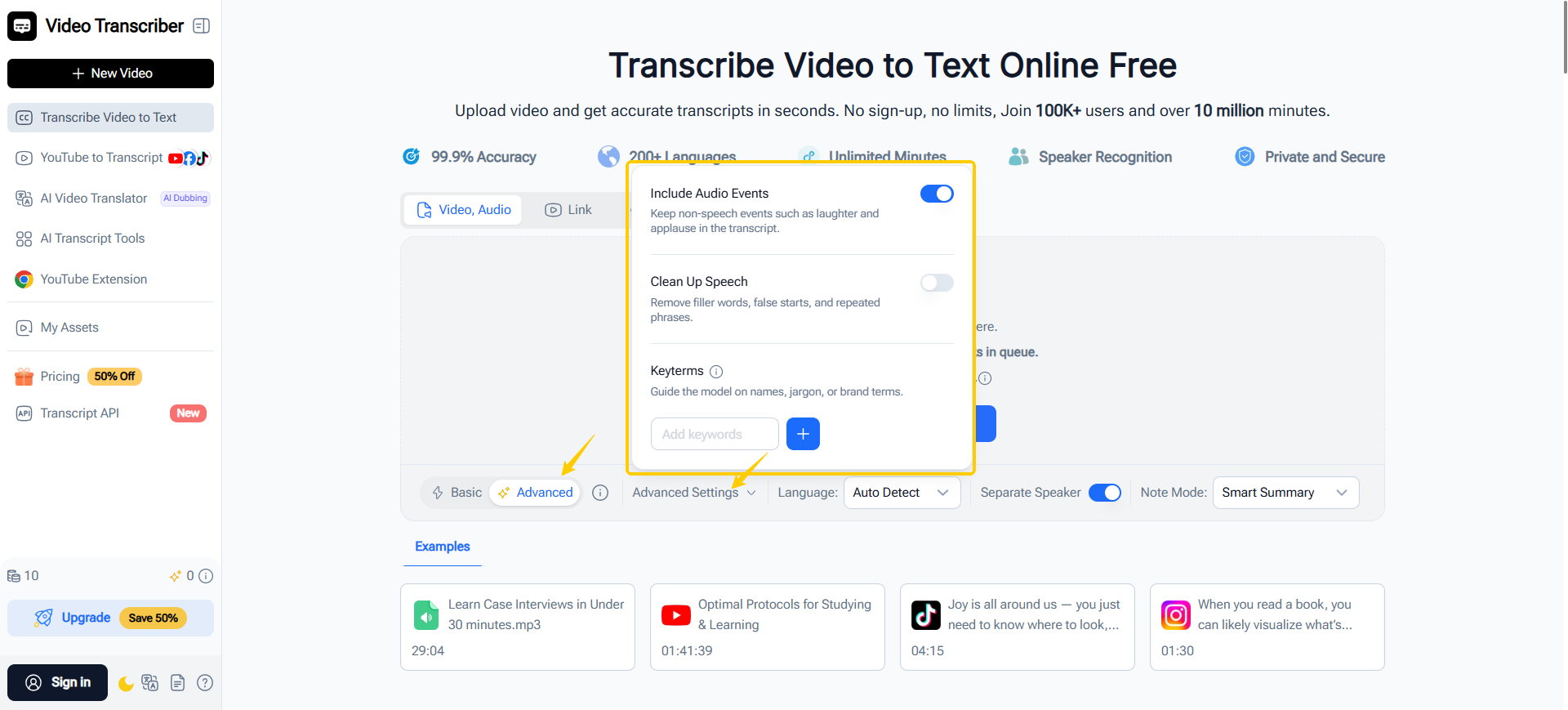
We've upgraded our transcription engine with a new advanced AI model to deliver more accurate, cleaner, and context-aware transcripts.
🎙️ Better Accuracy for Real Conversations
The new model is built to handle complex audio with features including:
✨ High-accuracy transcription
👥 Speaker recognition for up to 32 speakers
🌍 Automatic multilingual transcription
🔊 Auto-detection of audio events (e.g. laughter, applause, music)
🧹 Smarter cleanup for filler words and repeated speech
💡 Keyword prompts to improve recognition of names and domain-specific terms
⏱️ Word-level timestamps for precise navigation
✍️ Automatically optimized punctuation and spelling
📂 Broader File Support
Now supports even more media formats, including:
AIFF · OPUS · FLAC · AVI · MKV · FLV · 3GP
Whether you're transcribing meetings, interviews, lectures, podcasts, or multilingual conversations, the new transcription model helps you spend less time editing and more time working with your content.
Try it today:
👉 https://videotranscriber.ai/
We'd love to hear your feedback! 💬