更新日志

产品更新、修复与改进。

🚀 Product Update: Advanced AI Transcription Is Here

新增🚀 Product Update: Advanced AI Transcription Is Here

We've upgraded our transcription engine with a new advanced AI model to deliver more accurate, cleaner, and context-aware transcripts.

🎙️ Better Accuracy for Real Conversations

The new model is built to handle complex audio with features including:

High-accuracy transcription
👥 Speaker recognition for up to 32 speakers
🌍 Automatic multilingual transcription
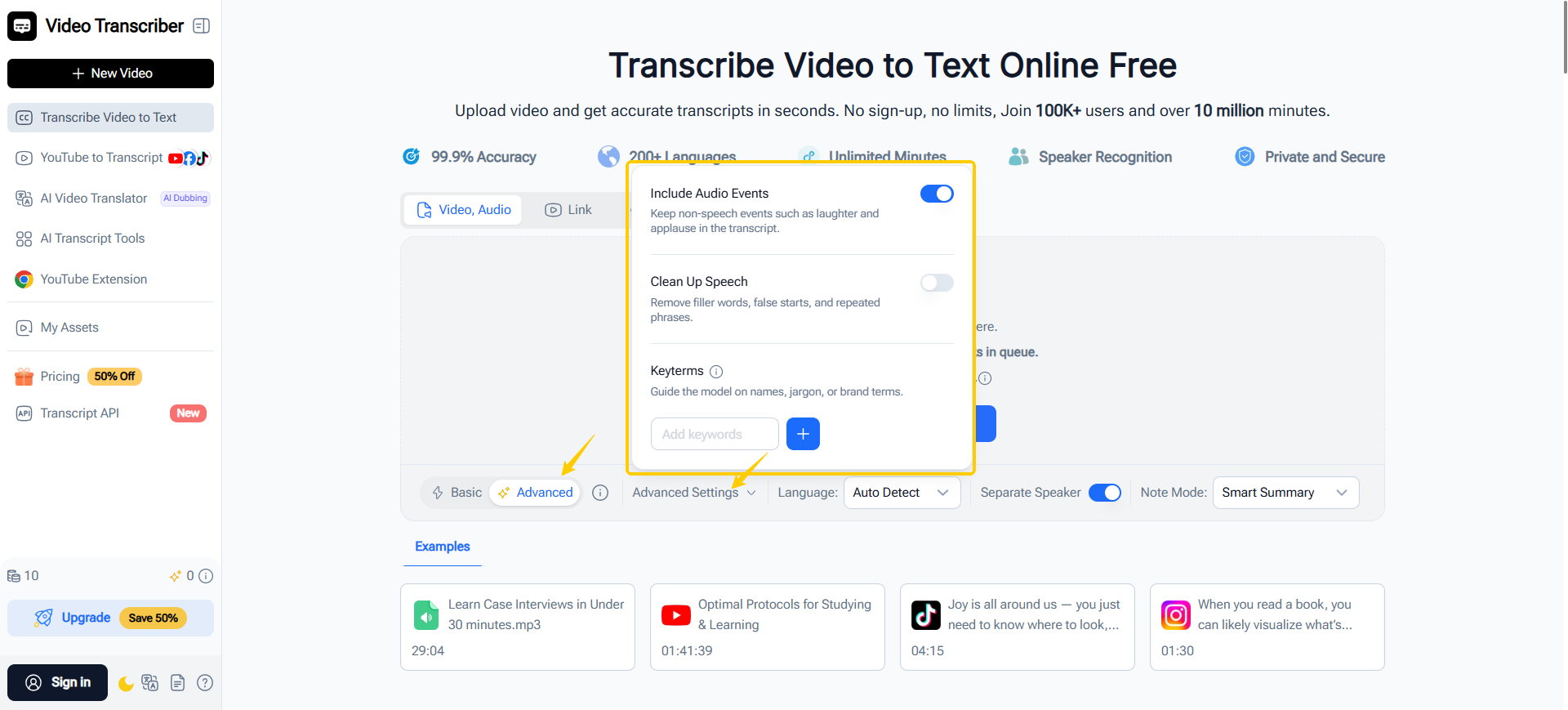
🔊 Auto-detection of audio events (e.g. laughter, applause, music)
🧹 Smarter cleanup for filler words and repeated speech
💡 Keyword prompts to improve recognition of names and domain-specific terms
⏱️ Word-level timestamps for precise navigation
✍️ Automatically optimized punctuation and spelling

📂 Broader File Support

Now supports even more media formats, including:

AIFF · OPUS · FLAC · AVI · MKV · FLV · 3GP

Whether you're transcribing meetings, interviews, lectures, podcasts, or multilingual conversations, the new transcription model helps you spend less time editing and more time working with your content.

Try it today:
👉 https://videotranscriber.ai/

We'd love to hear your feedback! 💬
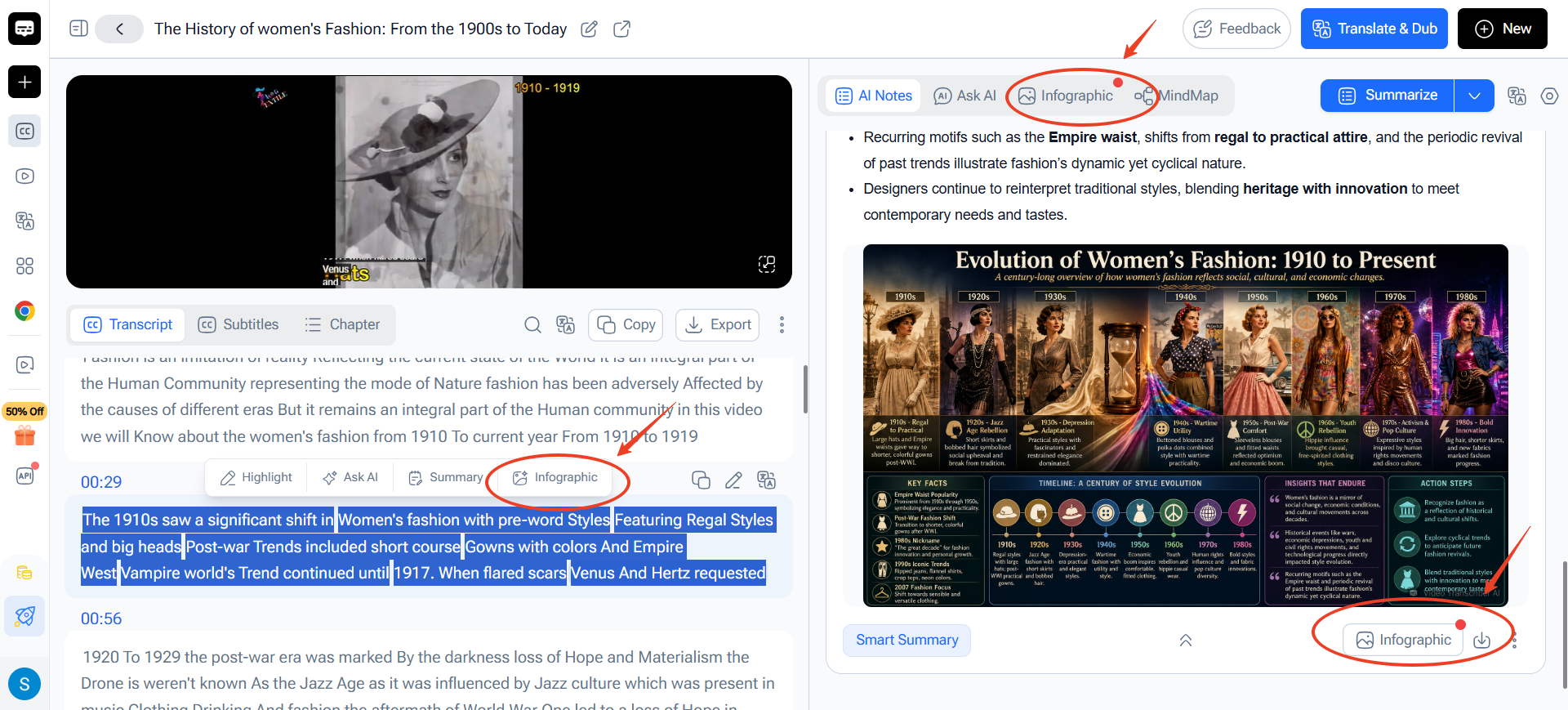
Infographics Added: Generate Visuals in Different Ways

新增Infographics Added: Generate Visuals in Different Ways

🚀 Product Update: Turn Audio & Video into Visual Stories with AI

Long transcripts and summaries don’t have to stay as walls of text.

We’ve just introduced Infographics to Video Transcriber AI, making it easier to turn audio, video, transcripts, and summaries into clear, engaging visuals.

🎨 Generate Visuals in Different Ways

You can:

• Generate an infographic directly from the full audio or video content
• Select transcript text or summary sections to visualize specific ideas
• Use natural language to describe the visual you want

Choose from dozens of ready-to-use templates, including:

📈 Progression Roadmap
🎬 Storyboard Sequence Sheet
⏳ Timeline
📊 Data Overview Dashboard
…and many more.

✨ Built for Different Workflows

Use Infographics to create:

📑 Visual reports
📊 Presentation-ready graphics
🧠 Concept maps
📚 Study materials
🗂️ Structured project visuals

Whether you’re learning, researching, planning, or presenting, you can now turn long-form content into something easier to understand and share.

Try the new Infographics feature:
👉 https://videotranscriber.ai/

We’d love to see what you create! 💬

New Update: Transcript API Officially Launched

新增New Update: Transcript API Officially Launched

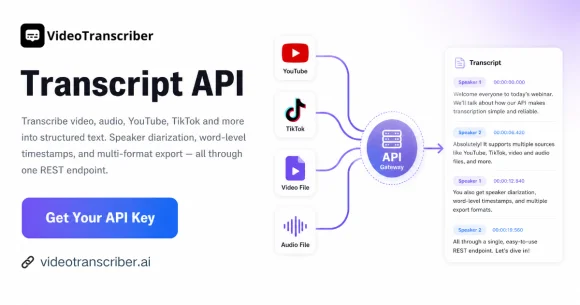
We’re thrilled to announce the official launch of our Transcript API! All developers can now get your exclusive API Key to integrate robust audio and video transcription features into your applications effortlessly.

  • Key Capabilities
  • Multi-language Support: Covers over 200 languages for accurate audio & video transcription
  • Speaker Recognition: Automatically identify and separate different speakers in conversations
  • Auto Subtitle Generation: Generate standard subtitles from media files in one click
  • Wide Platform Compatibility: Fully supports media content from YouTube, TikTok, Bilibili and more mainstream platforms

Lightweight and easy to integrate, our Transcript API delivers stable, high-performance transcription services for content creation, media analysis, meeting recording and various custom scenarios.

Grab your API Key now and start building! Feel free to share your feedback or questions in the community.

Latest Update: Enhanced Transcription Tools

改进Latest Update: Enhanced Transcription Tools

✨ New Update Live!
We’ve upgraded our transcription engine and added powerful new features:
• Improved transcription accuracy for more reliable results
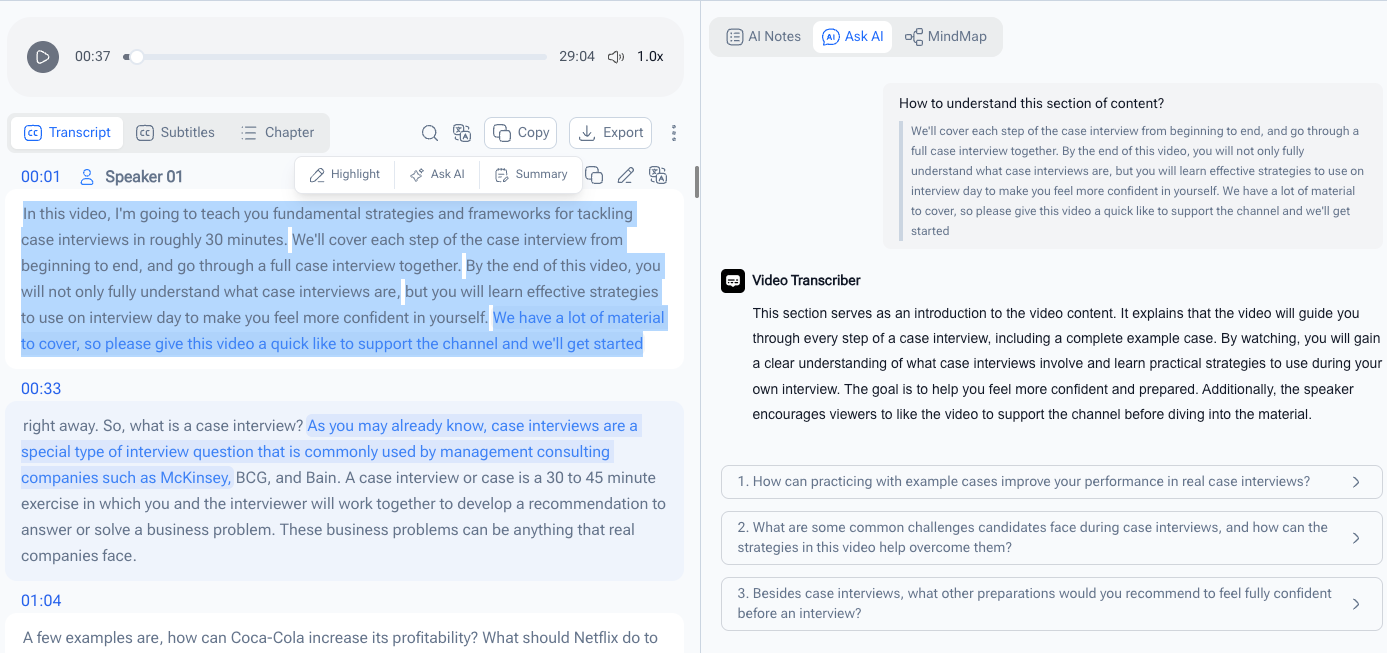
• Highlight text directly within transcripts
• Full-text keyword search to instantly find content
• Select any transcript segment to generate summaries & ask AI questions
Try out the new features and let us know what you think!

🎉 AI Video Translator – New Feature Update

改进🎉 AI Video Translator – New Feature Update

We've just shipped three big improvements. Here's what's new:

📁 1. Upload Local Files or Use a YouTube Link
You can now import videos in two ways:

Upload — Drag and drop any local audio or video file onto the page.
YouTube link — Paste a URL directly, no download needed.
🎙️ 2. Multi-Speaker Voice Dubbing
The system now detects different speakers in your video and assigns each one a distinct voice. Dialogues sound natural and properly separated, not flat and monotone.

🔊 3. Higher-Quality Voice Output (Advanced Model)
We've upgraded the voice engine to an advanced AI model. The result: clearer, more stable, and more natural-sounding dubbing — no more robotic voices.

All features are live now. Give it a try:

👉 https://videotranscriber.ai/ai-video-translator

改进New Update: Upgraded Audio & Video Translation Features

We’re rolling out exciting new upgrades to our audio & video translation and dubbing features! Check out the key updates below:
✨ Advanced AI Dubbing Model with 200+ Languages Supported
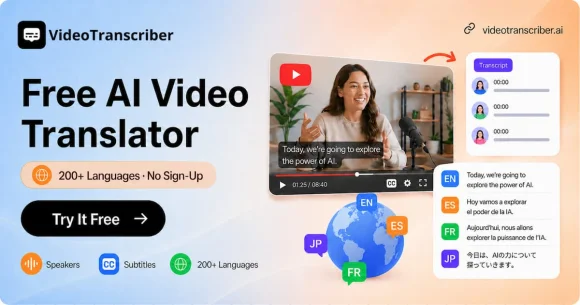
We’ve upgraded to an advanced AI dubbing model that supports 200+ languages, delivering more natural and smooth voice dubbing for your videos.
✨ Direct YouTube Video Dubbing via Link Input
You can now directly dub YouTube videos by simply pasting the video link, no manual download required for a faster workflow.
✨ Extended Maximum Dubbing Duration up to 20 Minutes
The maximum dubbing duration is extended to 20 minutes, allowing you to process long-form videos in one go.
Stay tuned for the official release! Feel free to share your feedback with us.